Cinema Studio
Describe a scene, pick a ready look, split it into shots and direct each one: shot size, angle, lens, camera move, light and one effect. Every shot's exact price first, one approval, and a shot that fails gives its credits back on its own.
- The exact price of every shot before anything starts
- Card by card: what the chosen model follows and what it cannot
- One approval screen with the refund rule
- A failed shot gives back its own credits — with a receipt
Step 1 of 3
- Describe and plan
- Approve the price
- Produce and receive
Real outputs
Files our own paid test runs produced, each shown next to the look it is closest to, with its fingerprint. Not made by this studio yet; looks without a real file show no picture.
Closest look: Warm documentary · Seedance 1.5 Pro · video · real file
d3f928e3b0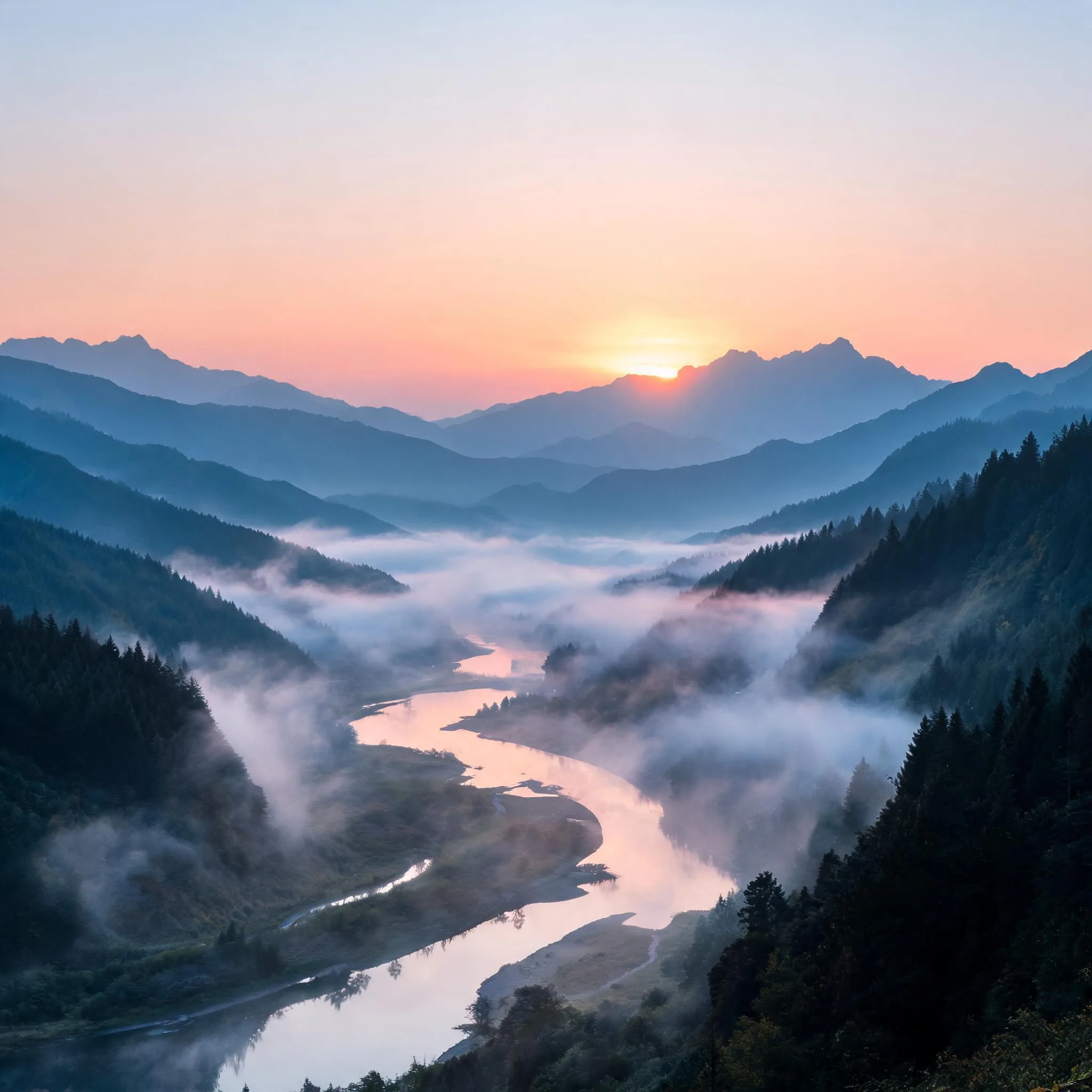
Closest look: Golden wilderness · Seedream 5.0 Lite · image · real file
258de0c194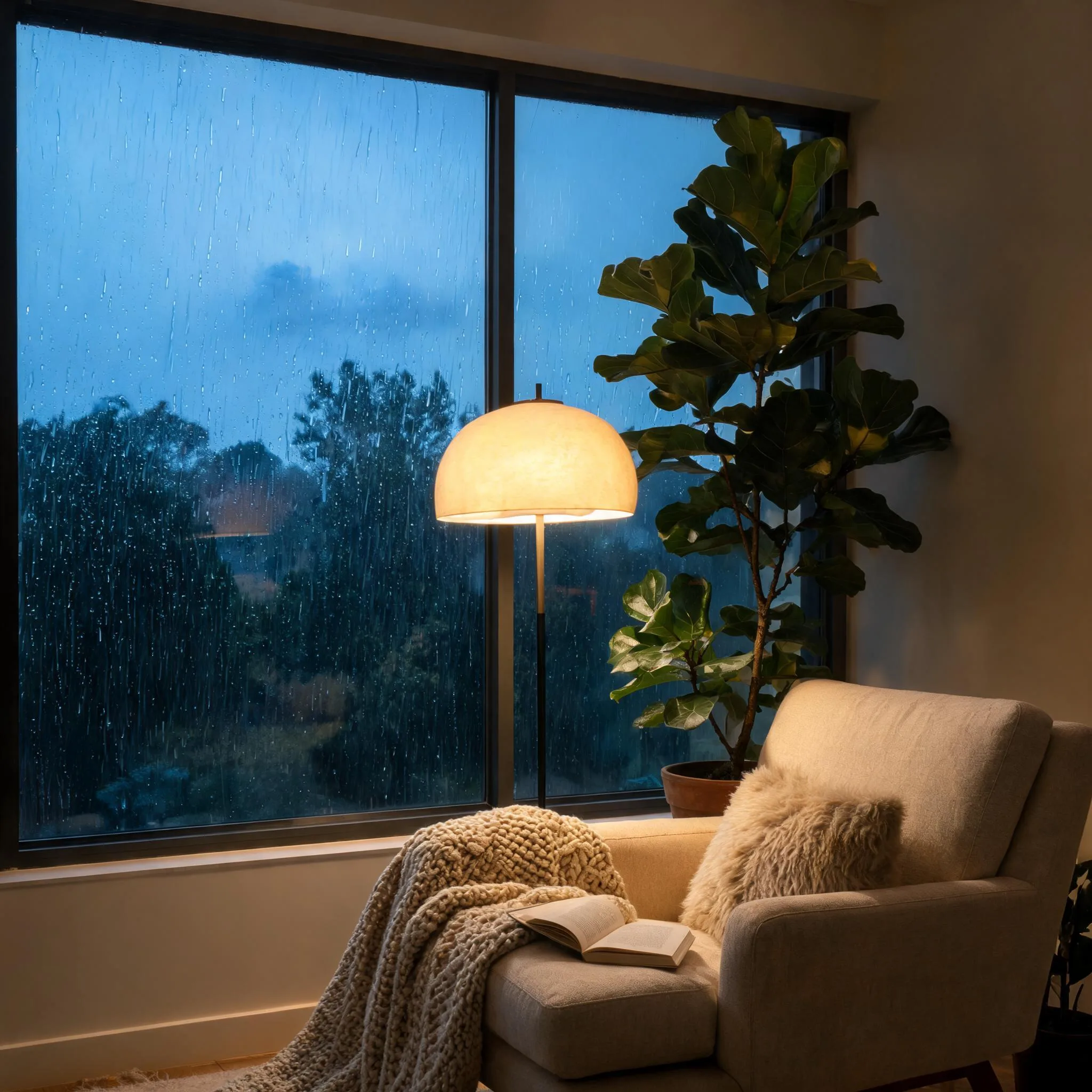
Closest look: Rainy evening · Seedream 5.0 Lite · image · real file
6d06fb5255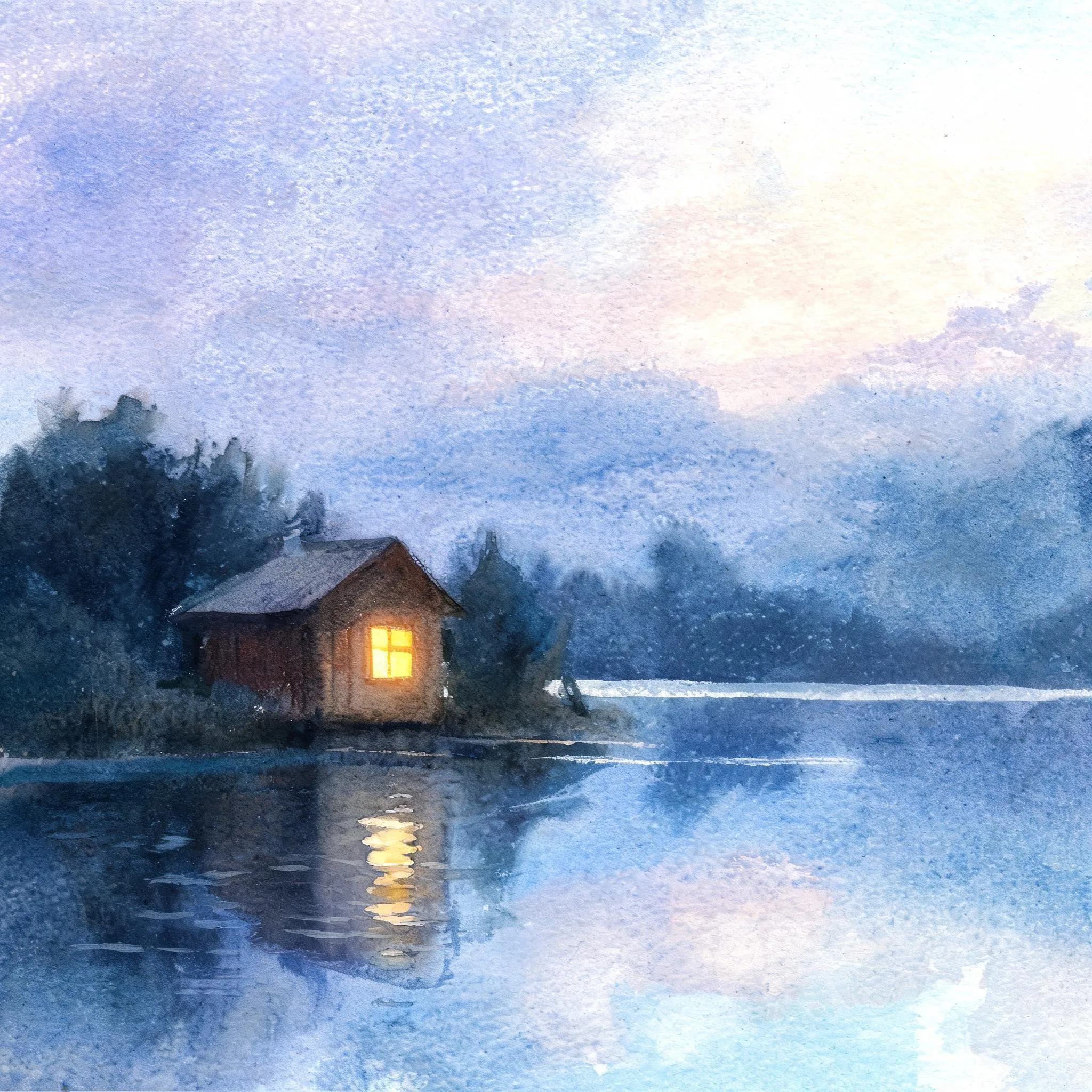
Closest look: Watercolour motion · Seedream 5.0 Lite · image · real file
9280485c3e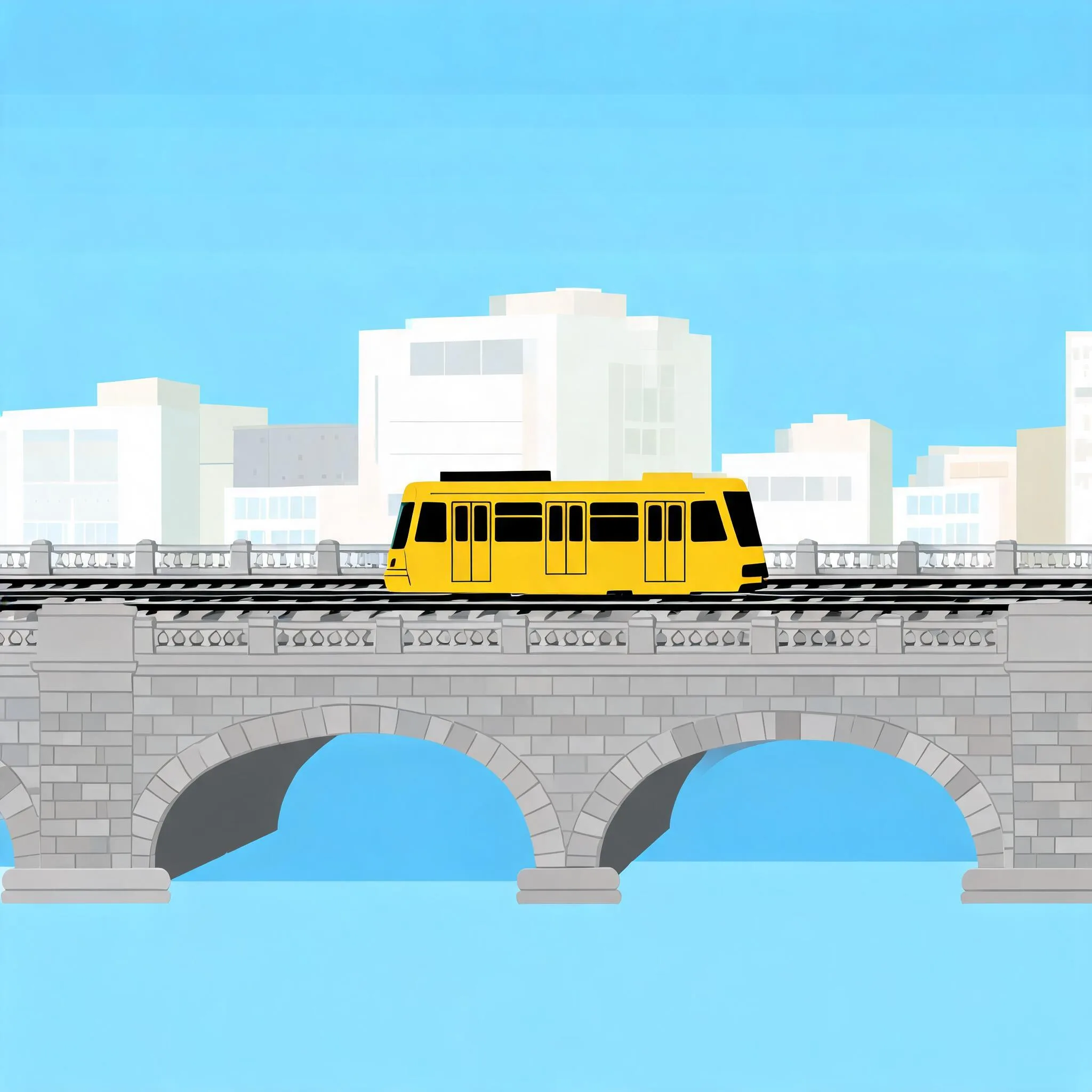
Closest look: Flat vector · Seedream 5.0 Lite · image · real file
e7fedfa158
Closest look: Studio macro · Seedream 5.0 Lite · image · real file
9b2166e34c
Explore more of SKYLATHE
- Creative Intelligence Computer
- MCP
- Plugins
- AI Image
- Video
- Audio
- Voice Studio
- Editor
- Editing Tools
- Effects Engine
- Burned-in Subtitles
- 3D Scene
- Viral Analysis
- All studios
- Film
- Cinema Studio
- Game Studio
- World / 3D
- VEXURA
- Brand/UGC Marketing Suite
- Ad Studio
- Claim Check
- Content Factory
- Launch Film
- Playable Ads
- Social Publishing
- Creative Radar
- Agent Influencer
- Character Studio
- Avatar/Character Studio
- Character Vault
- Creative DNA
- System DNA
- Web Studio
- Canvas
- Galaxy
- Gallery
- Templates
- Presets
- Recipes
- Flows